
Email Breach
Change the affected email password from the official provider website, then change any other account that reused it. Turn on multifactor authentication, review recovery email addresses and phone numbers, and sign out unknown sessions. Be alert for convincing follow-up phishing.
Need a hand? Talk with a PlodScam Advisor →
Identity Card Or ID Details
Contact the organisation that issued the identity document and ask what protective or replacement steps apply. Report suspected identity misuse to the relevant police or government authority. Do not send a copy of your ID to an unverified person offering recovery help.
Need guidance? Talk with a PlodScam Advisor →
Social Media Accounts
Use the platform’s official account-recovery page, change the password, enable multifactor authentication, remove unfamiliar devices and connected apps, and check recent posts, messages, profile changes, and payment settings. Warn contacts if your account sent suspicious messages.
Want help securing it? Talk with a PlodScam Advisor →
Website And App Logins
Open the service directly rather than through a message link. Change the password to a unique one, revoke unknown sessions and third-party access, review saved payment details, and contact the service through its official support channel if account activity is not yours.
Need help with next steps? Talk with a PlodScam Advisor →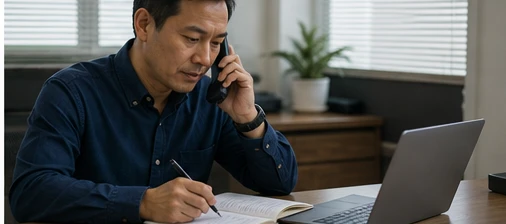
Personal And Payment Information
If bank, card, tax, health, or other sensitive information may be exposed, contact the bank, card issuer, provider, or responsible authority using a verified number. Ask about freezing, replacing, monitoring, and reporting options. Keep records of dates, messages, reference numbers, and actions taken.
Prefer personal guidance? Talk with a PlodScam Advisor →